Steps with AutoCAD's built-in tools
- Open a drawing (or a template drawing) in which layers, colors, linetypes and so on are set up to your company standard.
- Choose Save As, select .dws as the file type, and save.
- Open the drawing you want to check and run the STANDARDS command.
- In the dialog that appears, link the .dws file you created in step 2.
- Run the CHECKSTANDARDS command. The differences from the .dws file are shown one after another. Review each one and fix it.
Ask AI to do it in one step
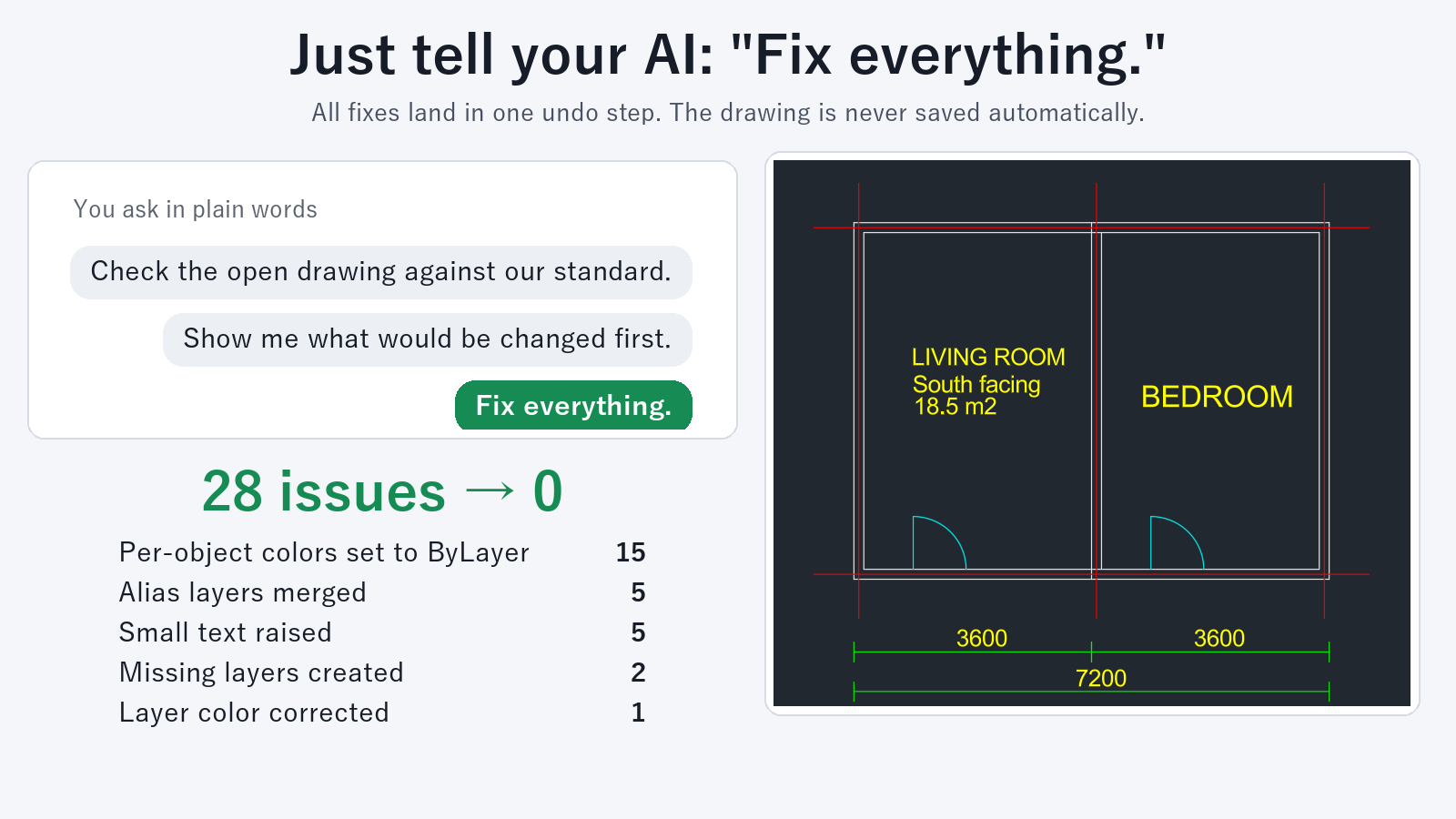
Ask an AI client that has "Drawing Rule Fixer for AutoCAD" installed (for example Claude Desktop). Example prompts:
- "Check this drawing against our standard"
- "Fix it to match our standard"
If you open the .dws file in AutoCAD, it can be used as the reference as it is. The differences from the reference are returned as a count for each type and a list in plain language. This check is free.
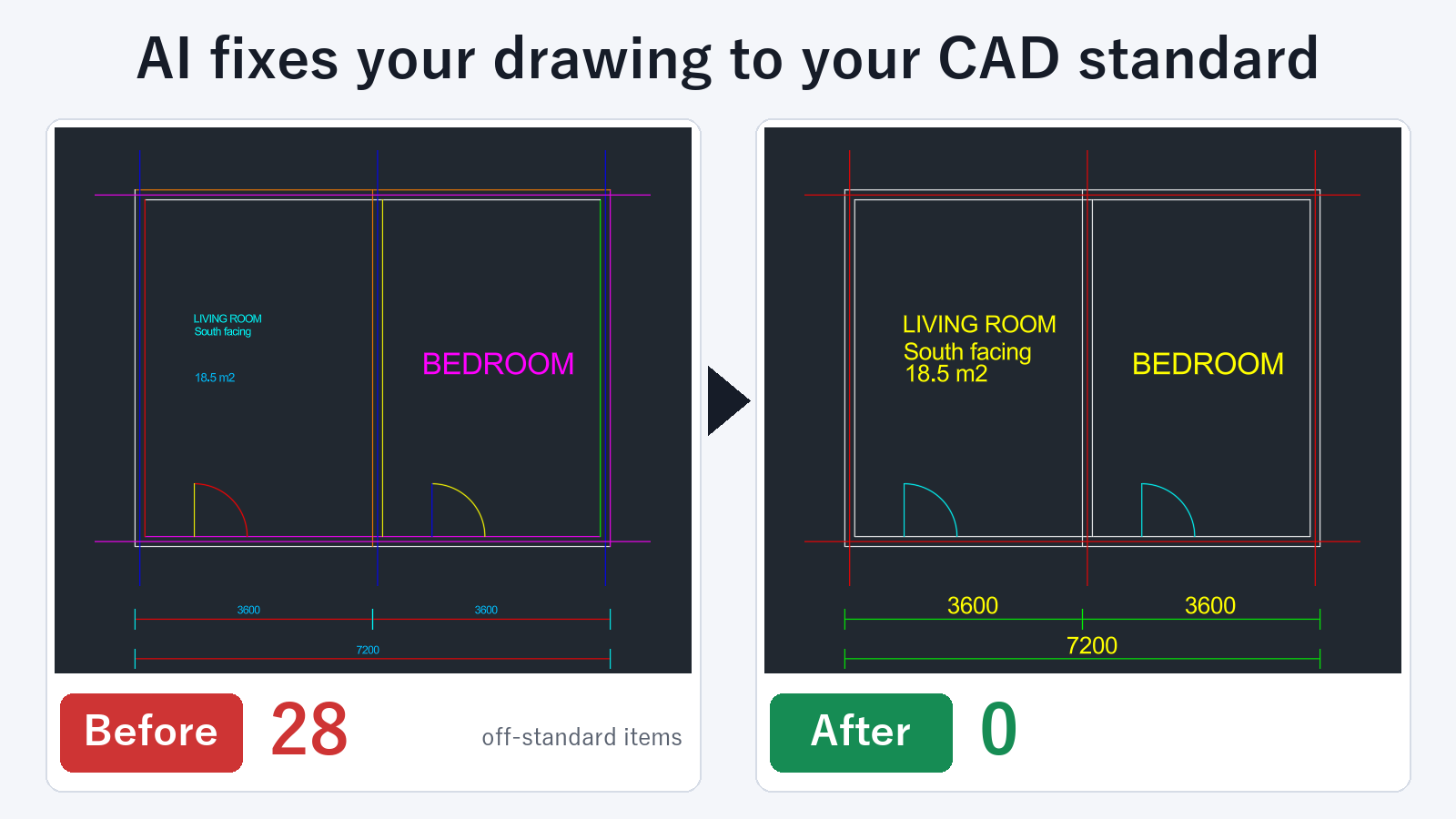
When you ask for a fix, it corrects the differences from the reference. It also merges layers that have different names, clears individual color and linetype overrides, and fixes small text, all in one go. Fixing drawings is a subscription feature. For a drawing open in AutoCAD, one UNDO restores the original. The drawing is not saved automatically, so you decide whether to save it.
Which one to use
If you want to review and decide on each item one at a time, CHECKSTANDARDS in AutoCAD is the better fit. If you want to merge layers with different names and clear individual overrides in a single pass, asking AI reduces the work.
FAQ
Can I check a drawing without a .dws file?
Open a template drawing that was built to your standard and ask, "Create a rules file from this drawing". This creates a rules file. Creating a rules file is free.
Can a .dws file merge layers that have different names?
With this tool, you can use the .dws file as the reference and also merge layers that have different names in the same pass.
Does it work with DXF files?
DXF files can be checked without starting AutoCAD. The fixed result is saved under a different name. The original file is not changed.