Do it with standard AutoCAD features
- Open a drawing and run the FIND command.
- Enter the text to find and the replacement text.
- Set the search location to the entire drawing.
- Open the options and check that block attribute text and dimension text are included.
- Click Replace All.
- Save the drawing, then repeat the same steps in the next drawing.
When you have many drawings, you repeat these steps once per drawing.
Ask AI to do it in one step
Ask an AI client with "Drawing Rule Fixer for AutoCAD" installed (such as Claude Desktop). For example:
- "List the text in the drawings in C:\Drawings\ProjectA"
- "Change 'Plant 1' to 'Head Office Plant' in the drawings in C:\Drawings\ProjectA and save them in a folder named Fixed"
- "Make 'CONC.' consistent by changing it to 'CONCRETE'"
Single-line text, multiline text (MText), block attributes, overridden dimension text and leader text are all covered. Every occurrence of the same wording is replaced in one pass.
Replaced drawings are saved under the same file names in a separate folder. The original files are not changed. Drawings with no changes are not saved, so you can see at once which drawings were changed.
If you replace text in only the open drawing, one UNDO (Ctrl+Z) restores it. Drawings are not saved automatically.
Listing the text in the open drawing and previewing a replacement are free. Writing text back and processing a folder of drawings in one batch are subscription features. For DWG files, AutoCAD must be running. DXF files can be handled without AutoCAD running.
Which one to use
For the same replacement across dozens of drawings, such as a project name change, swapping a person's name, or unifying wording, asking AI to process the folder saves you from opening and closing each file. For a single open drawing, FIND can also do the replacement.
FAQ
Can block attribute text also be replaced?
Yes. Attribute text such as the project name or drawing number in a title block is also covered.
Can I check what will change before replacing?
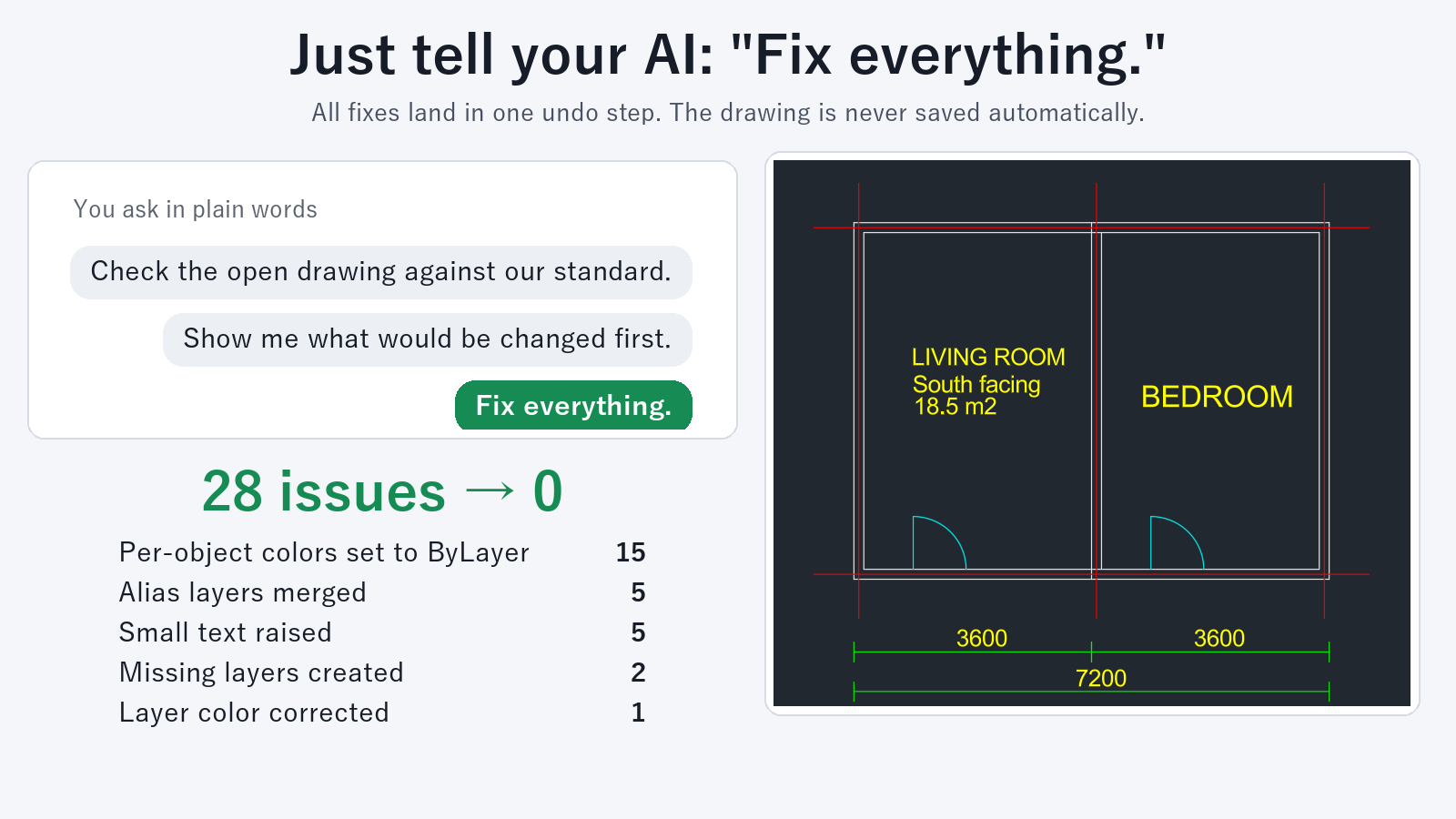
Yes. Ask "Show me what would be changed first" and you get a list of the changes without the drawing being modified.
Are the original drawings kept?
Yes. Drawings in a folder are saved to a different folder, and the original files are not changed.
What if the replacement text is longer and runs outside the frame?
Add a request such as "narrow the width of single-line text that became longer" to your prompt. The width of single-line text and attributes is narrowed so they fit.