Do it with standard AutoCAD tools
- Type LAYER on the command line to open the Layer Properties Manager.
- Change the color and linetype of each layer that differs from the standard, one layer at a time.
- To bring the layers of an open drawing in line with a standard drawing in one go, use LAYTRANS.
- In LAYTRANS, map the layers you want to fix to the layers of the reference drawing or standard, then translate.
Ask AI to do it in one step
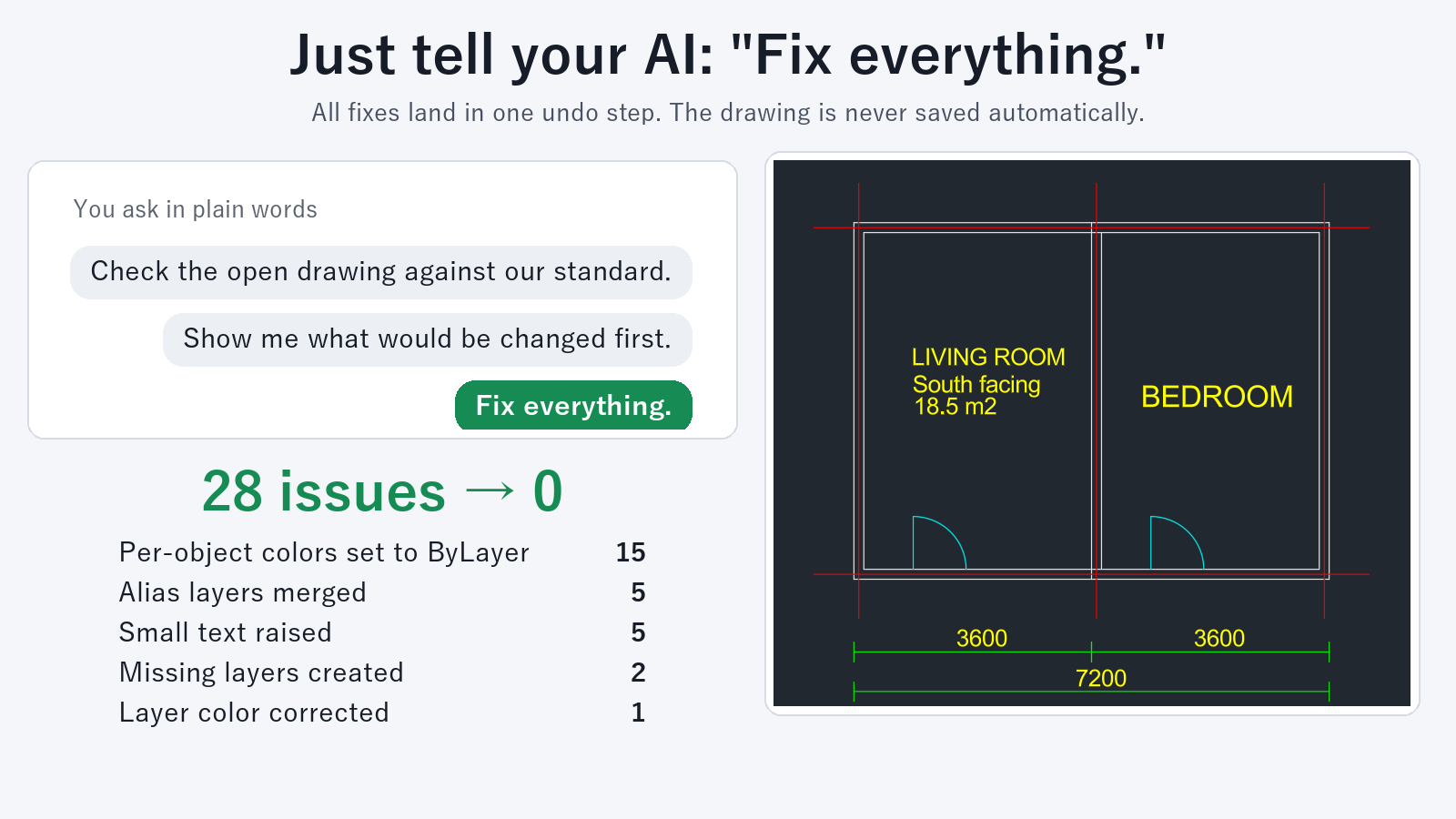
Use an AI client such as Claude Desktop with Drawing Rule Fixer for AutoCAD installed, and ask:
"Check whether the layer colors and linetypes in this drawing match our standard"
"Fix the layer colors and linetypes to match the standard, and create any missing layers"
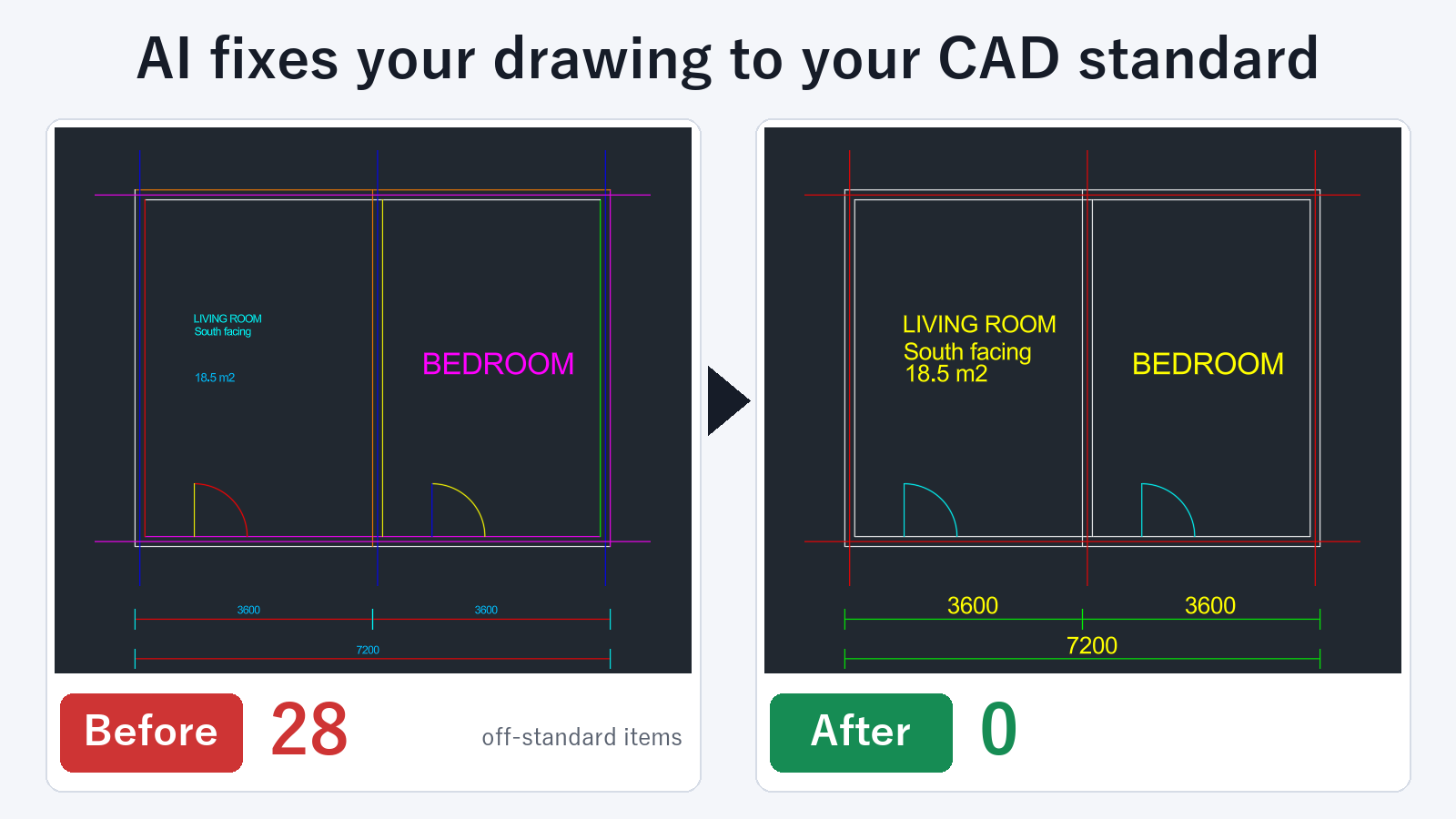
The check returns the items that do not match the standard, with counts by type and a list in plain language. The fix makes layer colors and linetypes match the standard and creates the missing layers. In the same pass, you can also ask it to merge layers whose names differ from the standard, and to set colors and linetypes that were assigned to individual objects back to ByLayer.
To set up the standard, open a template drawing that was made to the standard and ask: "Create rules from this drawing". This creates a rules file. If you already use a CAD standards file (.dws), you can open it in AutoCAD and use it as the reference.
A fix to a drawing open in AutoCAD can be undone with one UNDO. The drawing is not saved automatically, so you decide whether to save it. Locked layers are not changed, and the AI tells you their layer names.
Checking, listing layers, previewing changes before a fix, and creating a rules file are free. Fixing drawings is a subscription feature.
Which to use
If only a few layers need fixing, the Layer Properties Manager is enough. If you need to bring many drawings from partner companies or reused drawings in line with your standard, asking the AI means less time spent searching for the problems.
FAQ
Can the AI create missing layers?
Yes. If a layer is in the standard but not in the drawing, it can be created.
How do I tell the AI my standard?
Open a template drawing and ask: "Create rules from this drawing". This creates a rules file. You can also open a .dws file in AutoCAD and use it as the reference.
Are objects on locked layers fixed?
No. Objects on locked layers are not changed, and the AI tells you the layer names. Unlock the layers and ask again, and they are included.