Do it with standard AutoCAD commands
- Open the drawing and redefine the block with the new one (in DesignCenter, right-click the block and choose "Redefine only").
- Run ATTSYNC and select the name of the block. New attributes appear with their default values, and the position and text settings match the new definition.
- ATTSYNC removes the values of attributes that no longer exist. Note down any values you need before you run it.
- Repeat for each drawing and each block.
Ask AI to do it in one step
Ask an AI client with Folder Block Updater for AutoCAD installed (such as Claude Desktop). For DWG files, keep AutoCAD running.
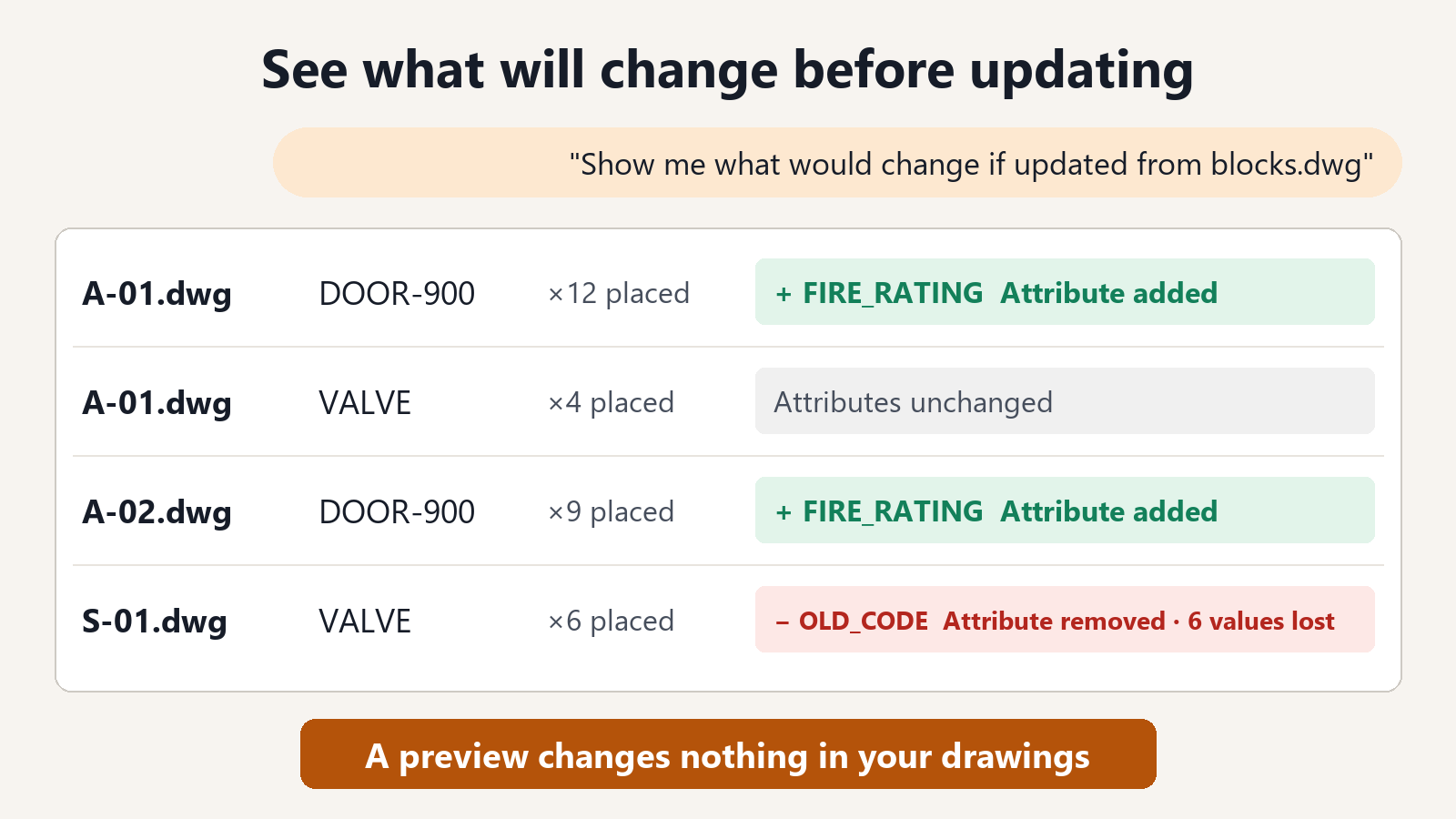
"Show me what would change if VALVE in the drawings in C:\Drawings\ProjectA is updated from C:\Standards\blocks.dwg"
For each drawing, the result lists the number of placed instances (count), the attributes that will be added, and the attributes that will be removed (with the number that hold a value). You can see where values would be lost before anything changes.
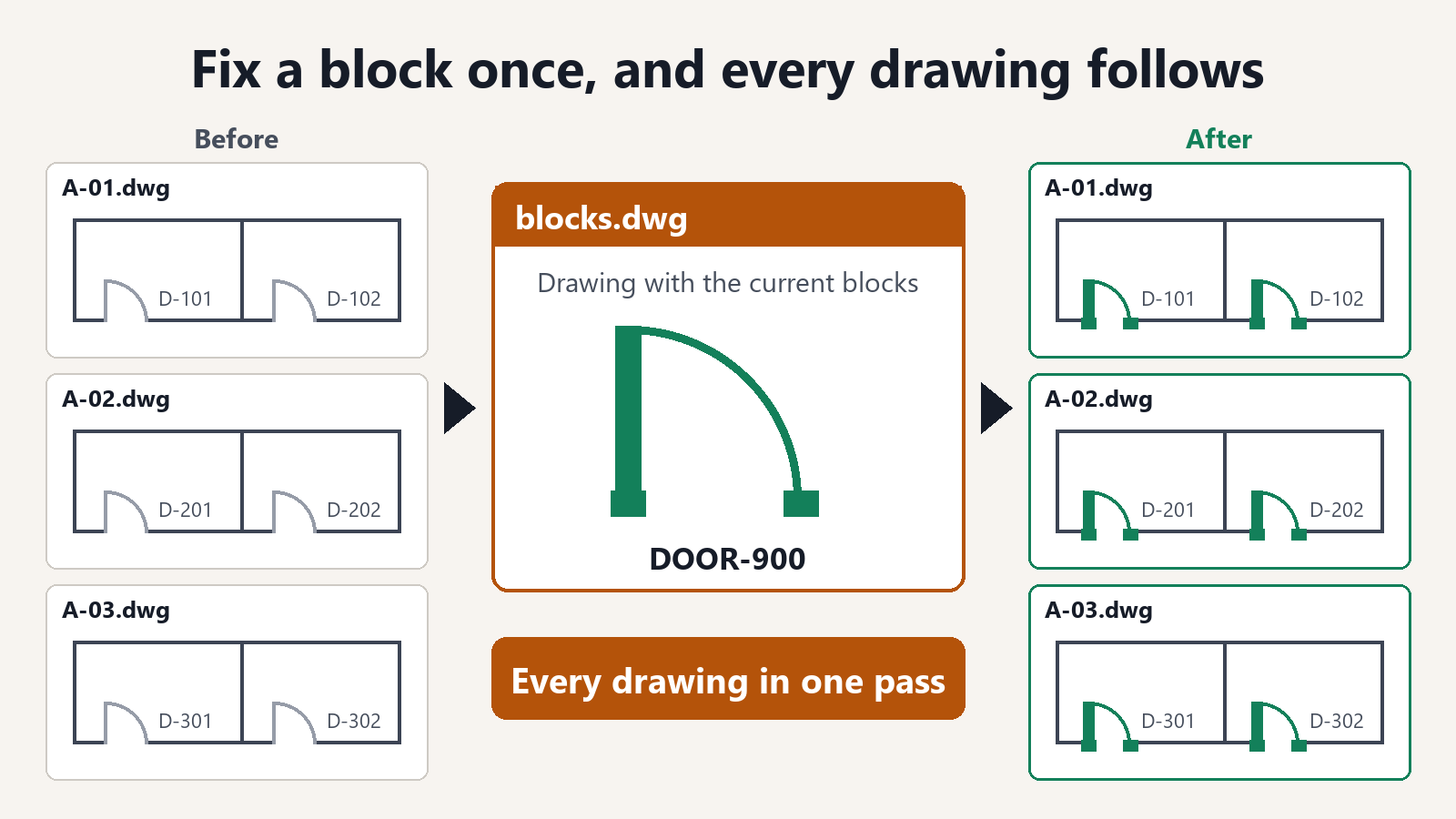
"Update them and save the drawings in a folder named Updated"
Built to be safe to hand over
- Values of attributes with the same name are kept as they are. You do not need to retype equipment numbers or symbols.
- New attributes get their default values. The values set in the block appear as they are.
- You can see the values that will be removed, by count, before saving. If a value you did not expect would be lost, you can review the block instead of updating.
- The original files are not changed. Updated drawings are saved in a separate folder.
- Saved drawings are read back to check that the values remain.
Previewing what would change is free. Saving the drawings with the blocks updated is a subscription feature.
FAQ
What if an attribute contains a field?
To avoid breaking the field, that block is not updated and is left as it is. You are told which block in which drawing was left.
What if I only want to change attribute values in bulk?
To rewrite attribute values in bulk, Excel to Title Blocks for AutoCAD is the better fit. This tool is for renewing the shape of a block and its set of attributes.
Are values kept for blocks in layouts?
Yes. Blocks placed in model space, in layouts, and inside other blocks are updated in the same way, and their values are kept.