Steps in AutoCAD
- Open one drawing.
- If the new block is not in the drawing, insert it first so that its block definition is added.
- Run BLOCKREPLACE from Express Tools, and select the block to replace and the block to replace it with.
- If the block has attributes, check the values one by one to confirm they are what you expect.
- Save and close the drawing, then go to the next one.
Ask AI to do it in one step
Ask an AI client that has Folder Block Updater for AutoCAD installed (such as Claude Desktop). For DWG files, keep AutoCAD running.
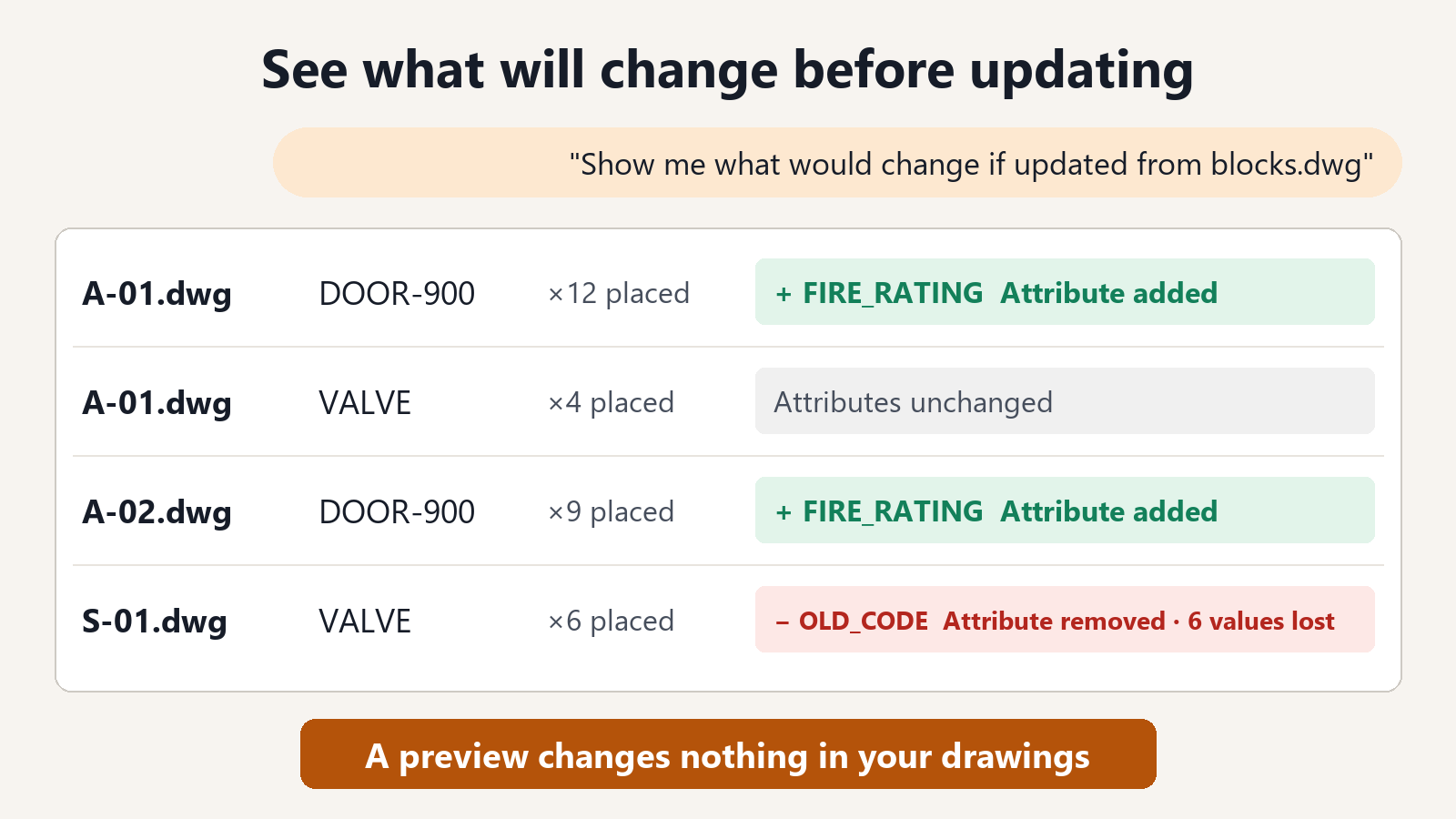
"Show me what would change if SYM-OLD in the drawings in C:\Drawings\ProjectA is replaced with SYM-NEW from C:\Standards\blocks.dwg"
For each drawing, the result lists the number of blocks that will be replaced. It also lists the attributes that will be lost because the new block does not have them, with the number of those attributes that hold a value. If the result is what you expect, run the replacement.
"Replace them and save the drawings in a folder named Replaced"
What keeps this safe
- Your original files are not changed. Drawings with the replaced blocks are saved to a different folder. If a file with the same name already exists there, it is not overwritten.
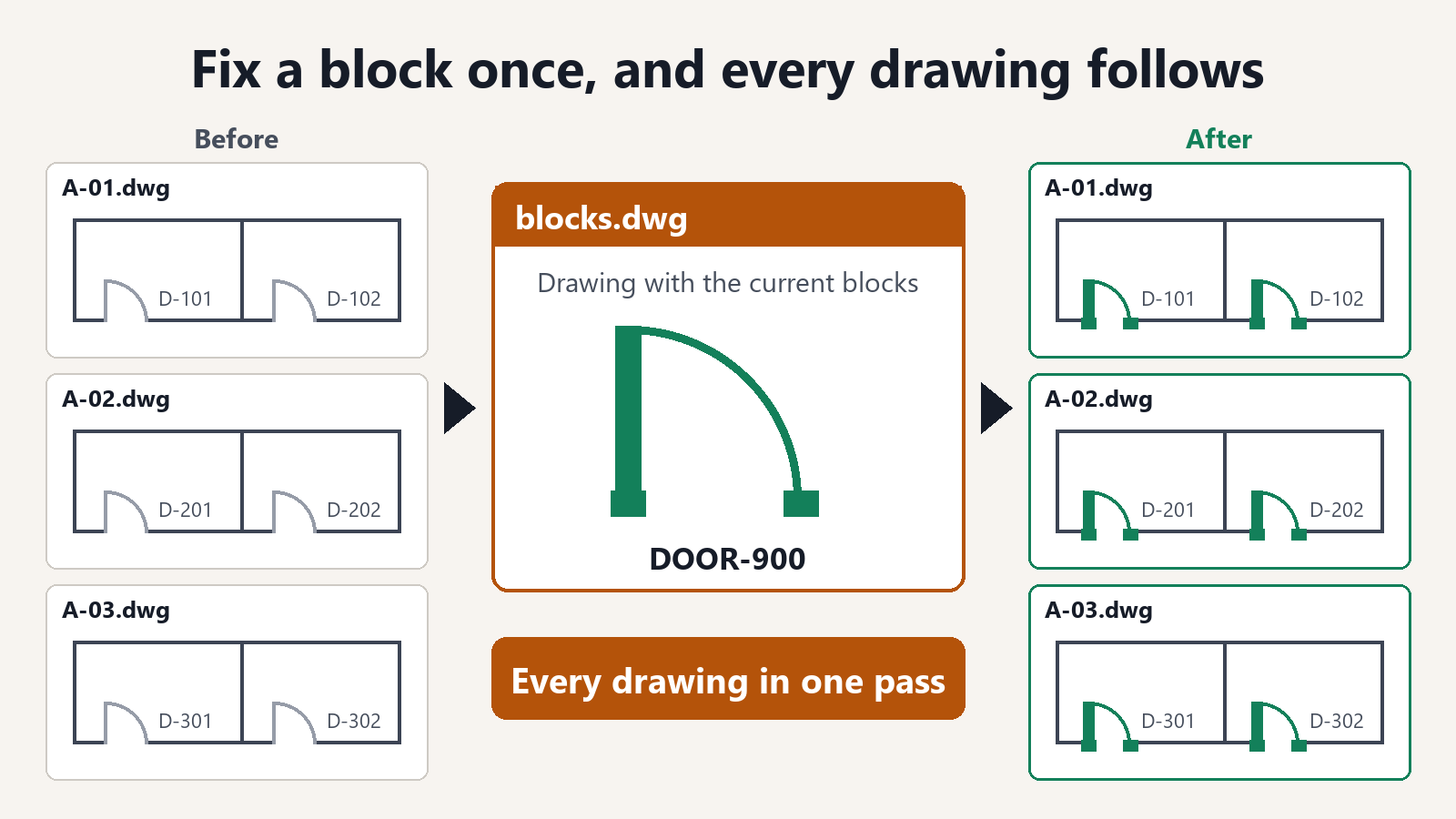
- Location, scale, rotation and layer stay the same. The new block is placed at the same position, with the same size and orientation.
- Values of attributes with the same name are carried over. You do not need to retype numbers or codes.
- You are told about lost values first. For attributes that the new block does not have, you can see how many values will be lost before anything is saved.
- Saved drawings are read back and checked.
Listing the blocks and previewing what would change are free. Saving the drawings with the blocks replaced is a subscription feature.
FAQ
Can I replace a block if the new block is not in the drawings?
Yes. Specify a drawing that contains the new block as well. The block is brought into each drawing from there, and then replaced. Nested blocks and layers come in with it.
Are blocks placed in layouts replaced too?
Yes. Blocks placed in model space, in layouts and inside other blocks are replaced.
What if only some of the drawings contain the old block?
A drawing without the old block has nothing to change, so it is not saved. Only the drawings in which blocks were replaced are created in the save folder.